Always check the website address before entering login information. Fake pages can copy the PlayPKR design and use it to collect passwords, verification codes and wallet details.
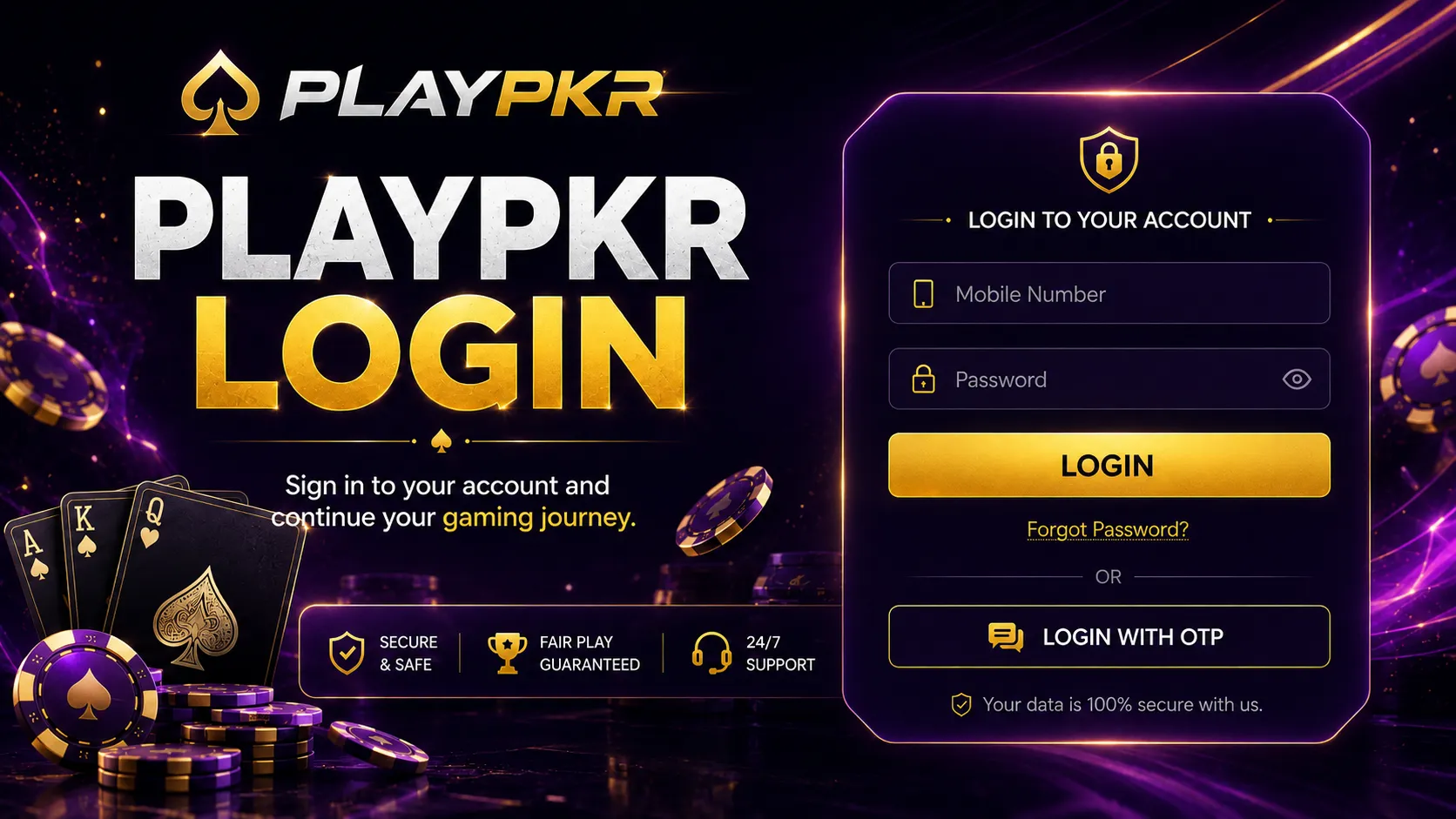
How to Complete PlayPKR Login
Login Through the Mobile App
Follow these steps:
- Open the installed PlayPKR application.
- Select Login or Sign In.
- Enter the registered mobile number or account ID.
- Type the account password.
- Check both fields for typing mistakes.
- Complete the verification code when requested.
- Tap the login button.
- Wait for the account dashboard to load.
- Review recent activity.
- Report any unknown transaction immediately.
Do not use a password copied from an untrusted message or shared by another person.
Login Through a Mobile Browser
Browser access may be available depending on the current platform version.
- Open Chrome, Safari or another updated browser.
- Enter the correct website address.
- Check the complete domain spelling.
- Open the login page.
- Enter the registered account information.
- Complete security verification.
- Avoid selecting Remember Me on a shared device.
- Log out after finishing.
Information Required for Login
| Login Field |
What to Enter |
| Mobile Number |
The number used during registration |
| Account ID |
Use it when the platform supports ID login |
| Password |
The password created for the account |
| OTP Code |
Enter only on the confirmed login screen |
| Verification |
Complete when signing in from a new device |
The available fields may change after an app update.
First-Time PlayPKR Login
Complete Account Verification
New users may be asked to verify their mobile number before entering the full dashboard. Enter the code received through the platform’s verification process.
Never forward the code to:
- A referral agent
- A Telegram administrator
- A WhatsApp group member
- Someone claiming to provide a bonus
- A person offering account recovery
A genuine verification code should be entered only into the confirmed application or website.
Review Your Profile
After the first login:
- Check your name and mobile number.
- Add an email address when supported.
- Create or confirm a payment password.
- Review privacy settings.
- Enable additional login protection.
- Read bonus conditions.
- Check deposit and withdrawal rules.
- Set an entertainment budget.
How to Register Before Login
Users without an account must complete registration first.
PlayPKR Registration Steps
- Open the app or registration page.
- Tap Register.
- Enter an active mobile number.
- Create a unique password.
- Confirm the password.
- Add a valid referral code when applicable.
- Read the user terms.
- Submit the form.
- Enter the verification code.
- Return to the PlayPKR login page.
Use accurate information because account verification may be required before a withdrawal is approved.
Forgot PlayPKR Password
Resetting the Password
- Open the confirmed login screen.
- Select Forgot Password.
- Enter the registered phone number or account ID.
- Request a verification code.
- Enter the received code.
- Create a new password.
- Confirm the new password.
- Return to login.
- Enter the updated details.
- Review active account sessions.
Do not reuse the old password or a password already used for email, banking or social media.
OTP Is Not Arriving
Try these solutions:
- Confirm the mobile number.
- Check the phone signal.
- Wait briefly before requesting another code.
- Turn airplane mode on and off.
- Restart the phone.
- Check blocked SMS settings.
- Avoid requesting too many codes at once.
- Contact the built-in support section.
Never pay anyone to provide an OTP.
Common PlayPKR Login Problems
1. Incorrect Phone Number
Enter the same mobile number used during registration. Check the country code and remove unnecessary spaces.
2. Wrong Password
Passwords are case-sensitive. Check capital letters, numbers and symbols before submitting the form again.
3. Account Temporarily Locked
Several failed attempts can trigger a temporary security restriction. Stop trying random passwords and use the recovery option.
4. Login Page Is Not Loading
Clear the browser cache, switch networks or update the app. Also confirm that the platform is not undergoing maintenance.
5. Old App Version
An outdated application may fail to connect with the current login service. Check the download page for a verified update.
6. New Device Verification
Signing in from a different phone can trigger an OTP or security check. Complete it through the registered contact information.
7. VPN or Network Problem
Some account systems may respond differently when a VPN changes the device location. Turn it off and retry using a normal connection.
8. Account Details Not Recognised
Make sure you are using the correct app and website. A similar-looking platform may not recognise PlayPKR account information.
9. Server or Maintenance Error
Wait for the service to return and avoid creating another account. Multiple registrations can create verification problems.
10. Suspended Account
An account may be restricted because of verification problems, duplicate accounts, unusual activity or a possible terms violation. Contact official support and request the reason.
PlayPKR Login Security Tips
Create a Unique Password
A secure password should contain:
- At least 10–12 characters
- Uppercase letters
- Lowercase letters
- Numbers
- Symbols
- No personal information
Avoid passwords such as 123456, your phone number, your name or your date of birth.
Never Share an OTP
A person with your login details and verification code may be able to access the account. PlayPKR support should not need your complete password or wallet PIN.
Avoid Public Devices
Do not log in from a cybercafé, public computer or another person’s phone. When there is no alternative, avoid saving the password and log out completely afterward.
Check Account History
After login, review:
- Recent games
- Deposit records
- Withdrawal requests
- Bonus claims
- Profile changes
- New-device sessions
Change the password immediately when activity appears that you do not recognise.
Avoid Fake Login Links
Do not enter credentials through:
- Shortened links
- Unverified QR codes
- Pop-up advertisements
- Social-media comments
- Messages promising free balance
- Modified APK applications
Enter the website address manually whenever possible.
How to Secure a Compromised Account
Take these steps immediately:
- Change the account password.
- Change the linked email password.
- Contact official support.
- Request logout from other devices.
- Review recent deposits and withdrawals.
- Save screenshots of unknown activity.
- Secure the linked mobile wallet.
- Block the SIM when the phone has been stolen.
- Do not negotiate with the suspected attacker.
- Stop depositing until access is secure.
Login and Payment Safety
Logging in gives access to account and transaction tools, so additional care is required before making a deposit or withdrawal.
Never disclose:
- Account password
- One-time verification code
- Wallet PIN
- ATM PIN
- Complete debit-card details
- Email password
- Phone screen-sharing access
A support person can normally check a transaction using a reference number without asking for complete financial credentials.
Responsible Use After Login
Accessing the account should not automatically lead to a deposit. Review your budget and current activity before joining a paid game.
Use these limits:
- Set a daily or weekly budget.
- Decide the session length.
- Do not chase previous losses.
- Avoid playing with borrowed money.
- Keep money for bills separate.
- Take a break after a loss.
- Track deposits and withdrawals.
- Use self-restriction tools when available.
PlayPKR should be treated as entertainment rather than guaranteed income.
Final Words
The PlayPKR login process is simple when the correct phone number, password and verification method are available. Most access problems can be solved by checking the details, resetting the password, updating the app or completing new-device verification.
Use only the confirmed login page, keep your password private and review account activity regularly. Never share an OTP, payment PIN or remote phone access with anyone offering bonuses, withdrawals or account recovery.
How do I log in to PlayPKR?
Open the confirmed app or website, enter the registered phone number or account ID, type the password and complete verification when required.
Can I log in without registering?
No. Users normally need to create an account before accessing the personal dashboard.
Why does PlayPKR say my password is incorrect?
The password may have a typing error, incorrect capital letter or old saved value. Use the reset option when the correct password is no longer known.
Can I use the same PlayPKR account on another phone?
Account access may be possible on another compatible device, but additional OTP or device verification can be required.
Why is my PlayPKR account locked?
Repeated failed logins, unusual activity, identity checks or possible rule violations can trigger a restriction. Use account recovery or contact official support.
Can support ask for my OTP?
Do not share an OTP with anyone. Enter verification codes only in the confirmed app or website.
How can I change my PlayPKR mobile number?
Check the profile or security settings. When the old number is unavailable, contact support and prepare to verify account ownership.
Does uninstalling PlayPKR delete my account?
Removing the application from a phone should not automatically delete the registered account. Keep the phone number, account ID and recovery information before reinstalling.